This is a practical article for people who want to use music symbols as plain text. If you're just looking for the symbols themselves, you can skip most of this article and jump straight to the lookup tables.
When I first started working with Unicode characters for music, it was very hard to find information about what characters were available, how they were named, or which ones would work best for different purposes. So I've spent some time compiling my own notes on these things, and I'd like to share them here. This article isn't going to be exhaustive — there are more than 250 music-related characters in Unicode, and many aren't used much — but it's intended to give a good overview of what's out there and how to use it.
Unicode music symbol blocks
Unicode has two main blocks of musical symbols:
The Miscellaneous Symbols block contains some simple note and accidental symbols that look like emojis (though they’re not officially categorized as such). These are great for casual use, because they’re simple symbols that are easy to copy-paste, but like other Unicode symbols, you’ll still want to check how they look in your destination app.
The Musical Symbols block contains more detailed symbols used for sheet music notation. These tend to depend heavily on fonts and rendering engines, so they won’t always display correctly. But if you’re working with professional music software, they’ll usually do the trick.
Basic notes and accidentals
Let’s start by looking at the simplest set of music symbols — the ones that will work best for bios, captions, messages, etc. Here are the notes and accidentals:
♩ U+2669 QUARTER NOTE
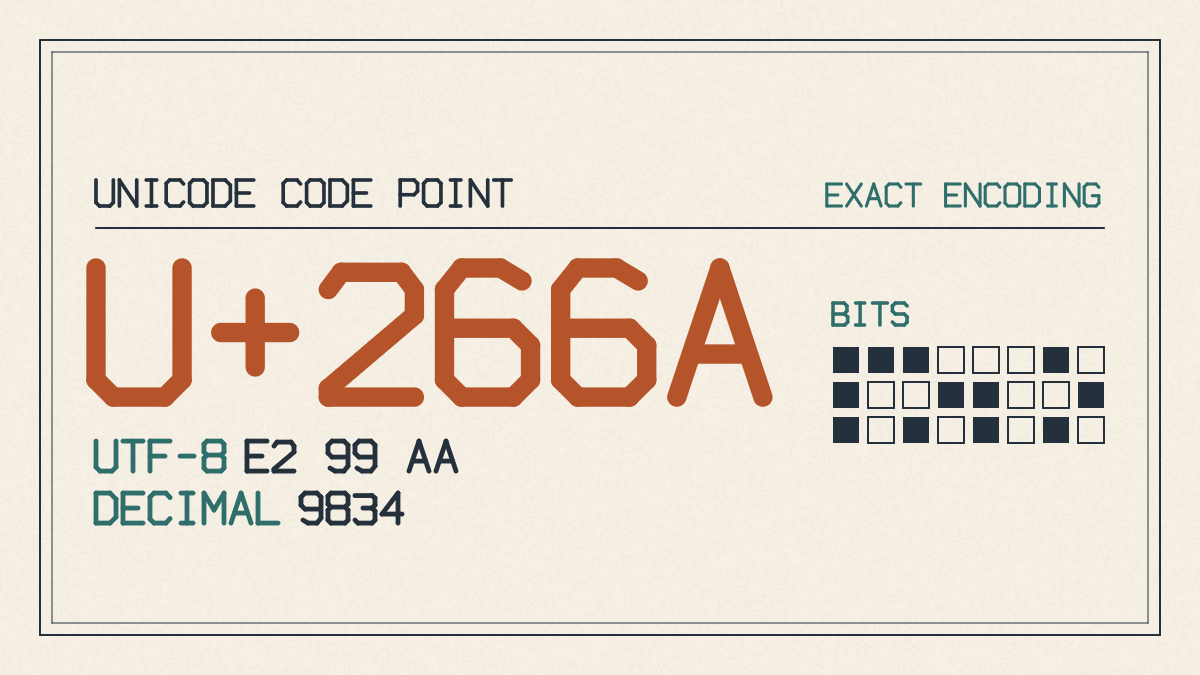
♪ U+266A EIGHTH NOTE
♫ U+266B BEAMED EIGHTH NOTES
♬ U+266C BEAMED SIXTEENTH NOTES
♭ U+266D MUSIC FLAT SIGN
♮ U+266E MUSIC NATURAL SIGN
♯ U+266F MUSIC SHARP SIGN
These are all part of the Miscellaneous Symbols block, which includes other basic symbols related to music.
Clef symbols
Now let’s take a look at the clefs, which are included in the Musical Symbols block. These are notation characters rather than official emoji, so they should be tested in your destination app:
𝄞 U+1D11E Musical Symbol G Clef
𝄟 U+1D11F Musical Symbol G Clef Ottava Alta
𝄠 U+1D120 Musical Symbol G Clef Ottava Bassa
𝄡 U+1D121 Musical Symbol C Clef
𝄢 U+1D122 Musical Symbol F Clef
There are also several other clefs in the same block. Like the ones above, these are notation characters rather than colorful emoji, and they should be tested in your destination app before relying on them:
𝄣 U+1D123 Musical Symbol F Clef Ottava Alta
𝄤 U+1D124 Musical Symbol F Clef Ottava Bassa
𝄥 U+1D125 Musical Symbol Drum Clef-1
𝄦 U+1D126 Musical Symbol Drum Clef-2
U+1D100–U+1D1FF
All of these clefs are part of the Musical Symbols block; the common notes and accidentals are in the Miscellaneous Symbols block.
Barlines and repeat signs
Next up are barlines and repeat signs, which are also part of the Musical Symbols block. Here are some of the exact characters and names:
𝄀 U+1D100 Musical Symbol Single Barline
𝄁 U+1D101 Musical Symbol Double Barline
𝄂 U+1D102 Musical Symbol Final Barline
𝄆 U+1D106 Musical Symbol Left Repeat Sign
𝄇 U+1D107 Musical Symbol Right Repeat Sign
𝄈 U+1D108 Musical Symbol Repeat Dots
You’ll need to paste-test these in your destination app before using them.
Common rests
Common rests are also part of the Musical Symbols block, along with the notes and accidentals. Here are some of the common ones:
𝄻 U+1D13B Musical Symbol Whole Rest
𝄼 U+1D13C Musical Symbol Half Rest
𝄽 U+1D13D Musical Symbol Quarter Rest
𝄾 U+1D13E Musical Symbol Eighth Rest
𝄿 U+1D13F Musical Symbol Sixteenth Rest
As with the barlines, you’ll need to test these in your destination app before using them.
Music emoji
If you’re looking for something more colorful, you might want to consider the three music emoji:
🎵 U+1F3B5 Musical Note
🎶 U+1F3B6 Multiple Musical Notes
🎼 U+1F3BC Musical Score
These are definitely easier to copy-paste from anywhere, since they’re official Unicode emoji. However, keep in mind that they’re separate Unicode characters, even though they visually cover some of the same musical ideas we looked at earlier. They’re great for casual contexts, but if you need to convey exact musical meaning, you should stick with monochrome notation symbols.
Rendering and compatibility
There are quite a few music-related characters in Unicode, and they often don’t look the same on every platform or font. In fact, some of them may not even appear at all! The reason for this is pretty simple: Unicode doesn’t guarantee that every character will render the same way on every device, font, or platform. So when you see a symbol that looks wrong or fails to appear, it could be due to one of several reasons:
It might be missing a glyph in your current font.
It might be supported by your OS or platform, but not by the font you’re using.
It might be supported by both your OS/platform and your font, but rendered differently.
In general, it’s safest not to assume that every character will look the same depending on where you’re viewing it. Some characters will fail to appear altogether, while others will change appearance depending on your settings. You’ll need to paste-test each character you use to make sure it looks right in your specific context.
How to type music symbols
There are a number of ways to type music symbols on Microsoft systems. One popular method is to hold down the Alt key and type the numeric code for the symbol you want. For example, typing Alt + 13 gives you ♪ (U+266A), and Alt + 14 gives you ♫ (U+266B). Note that you’ll need to turn NumLock on to use this method.
Unfortunately, there’s no equivalent method on macOS, though there are other methods that work well. For now, I recommend sticking with the standard copy-paste approach unless you need to type music symbols quickly and frequently.
I hope this helps you get started with Unicode music symbols. Let me know if you need help finding or using any specific symbols!