I’ve got a cute face symbols collection that you can copy and paste right into your bios, messages, and captions. I know that most of you are familiar with the idea of using Unicode characters to make cute faces, but this is different from what I usually share here.
This is an upright text face made from letters, punctuation, and Unicode marks. These aren’t emoji, they’re just plain old text faces. And these are all ready-to-paste. Just select the exact string (don’t change it) and copy/paste it where you want it!
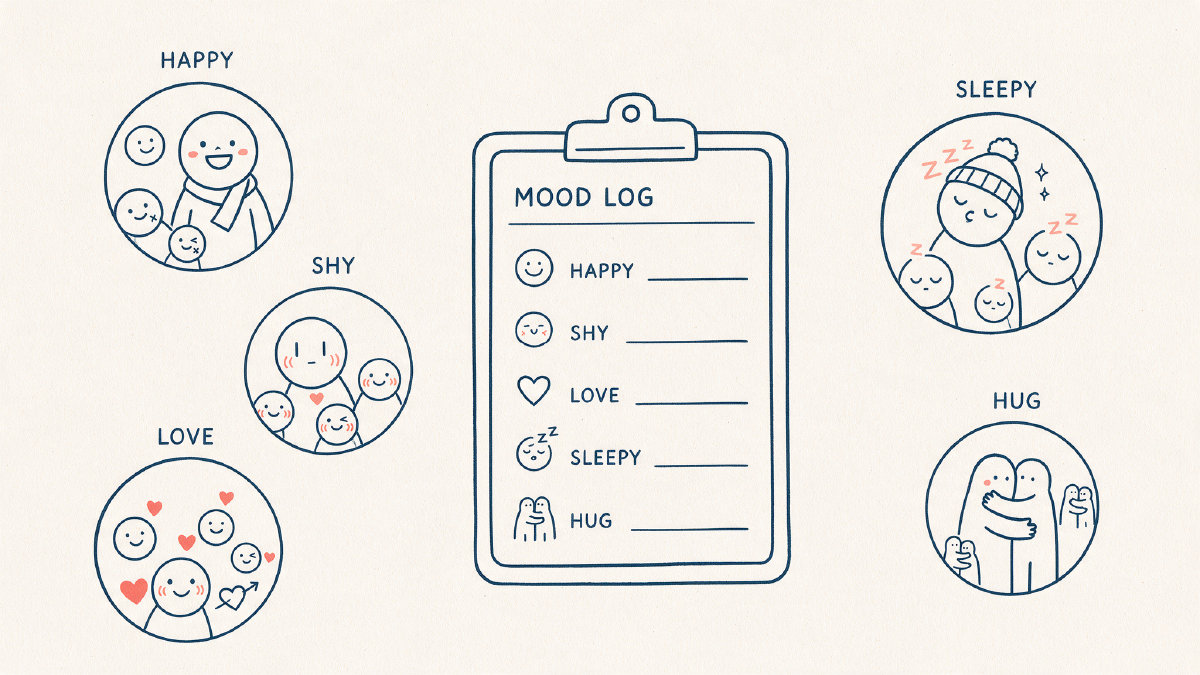
All purpose cute face symbols
Here’s my first soft, all-purpose collection of cute face symbols:
(˶ᵔ ᵕ ᵔ˶)
⸜(。˃ ᵕ ˂ )⸝♡
(˶ˆᗜˆ˵)
( ˘͈ ᵕ ˘͈♡)
(◍•ᴗ•◍)
(˶>⩊<˶)
(˶˃ ᗜ ˂˶)
You’ll probably find one or two of these that you love. But if you’re not sure which one to use, then go with the mood of the message you’re writing.
Happy faces
If you’re looking for something simple and friendly, then try these happy faces:
((◕‿◕);
(^▽^);
(≧◡≦);
(๑>◡<๑);
ᴗ<;
(•‿•);
(≧▽≦)
Shy and blushing faces
For shy and blushing faces, try these:
((˶˃ ᵕ ˂˶);
((,,>﹏<,,);
((◞‸ ◟)💧;
((„• ֊ •„);
((˶˃⤙˂˶);
ꉂ(˵˃ ᗜ ˂˵)
Affectionate faces
And if you’re looking for affectionate faces, check out these ones with hearts and kiss-like mouths:
(( ˶˘ ³˘)♡;
♡(˃͈ ˂͈ );
((づ˶•༝•˶)づ♡;
((♥‿♥);
((づ。◕‿‿◕。)づ;
⸜(。˃ ᵕ ˂ )⸝♡
Sleepy faces
For sleepy faces, try these Zzz and closed-eye faces:
((_ _')💤;
((っ˕ -。)ᶻ 𝗓 𐰁;
((╥﹏╥);
((。•́︿•̀。);
((ಥ﹏ಥ))
Animal style faces
And if you want some animal-style accents, here’s a short set without turning this whole thing into a cat-only collection. You’ll find ears, muzzles, and paws in these cute little guys:
(૮₍ ´ ꒳ `₎ა;
(₍^. .^₎⟆;
(ʕ•ᴥ•ʔ;
(૮ ・ﻌ・ა;
(₍ᐢ. ̫.ᐢ₎)
How to use cute face symbols
Now, how do you actually use them? Well, if you’re putting them into your profile bio, username, etc., then you should probably only use one accent, like this:
(๑>◡<๑) Welcome to my blog! 🙂
But if you’re putting them into a caption or a message, then you can use a few spaced out faces, like this:
(๑>◡<๑) This is so pretty!! 😍(♥‿♥) I love it!!
You can also use them in a chat field, like this:
(๑>◡<๑) That looks awesome! (≧◡≦) What kind of paint did you use?
The important thing is that you copy the complete exact string. Don’t change anything. If you start retyping and combining glyphs and marks, you might end up with something that doesn’t look quite right.
Remember, these are Unicode characters. So depending on the device and app you’re using, they may render differently. Also, some of these characters are pretty rare, so they might show up as empty boxes instead of the intended character. If you see a box, then just swap that face for a simpler one with more common characters.
Also, keep in mind that usernames and other fields sometimes reject non-ASCII characters. If that happens, then you’ll need to use a simpler face. The practical check is to paste the exact string into the intended bio, username, caption, or chat field before you commit to it. Username character support varies by app, so paste it right in the username field to confirm it’s accepted.
So if you’d like, you can test these out in the comments below, and let me know how they render on your device.