Social Media Styling articles
Social Media Styling articles
Learn how to choose, copy, combine, and test Unicode symbols across the places you use them.
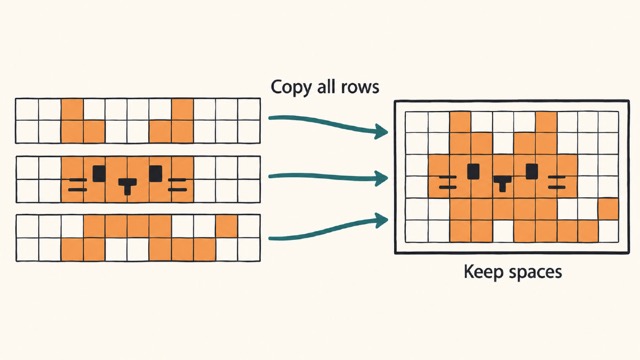
Kawaii ASCII Art to Copy and Paste in Discord Messages
Copy compact kawaii ASCII art cats and bunnies, distinguish Unicode alternatives, and learn Discord's documented multiline code-block syntax.
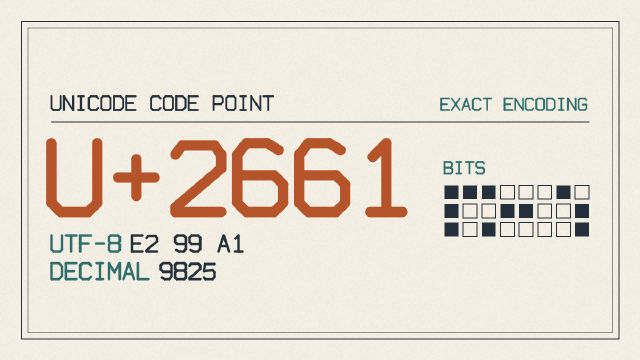
Cool Symbols Meaning in Bios: What Hearts and Stars Can Suggest
Understand cool symbols meaning in bios and captions, with copyable hearts, stars and moons and examples that separate context from fixed definitions.
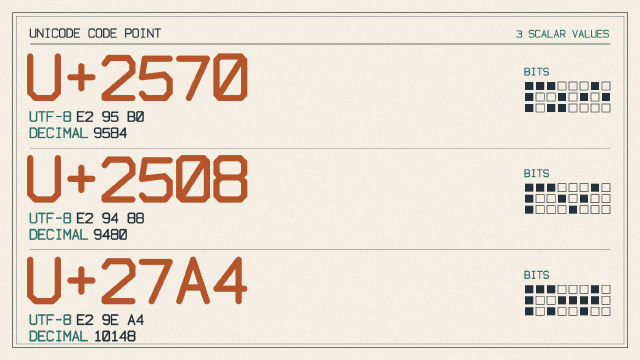
Discord Aesthetic Symbols to Copy for Profiles and Channels
Copy Discord aesthetic symbols for display names, bios and channels, with example combinations, documented name limits and permission guidance.
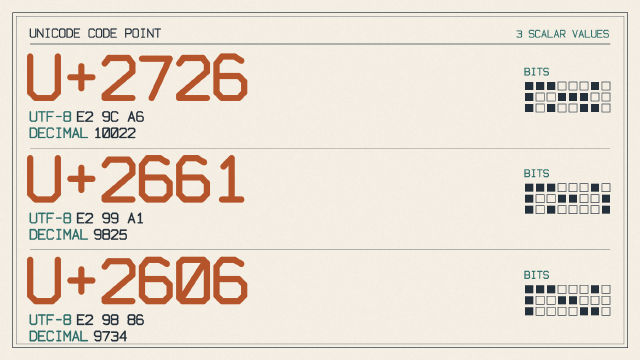
Twitter Bio Template Ideas to Copy and Customize With Symbols
Find a Twitter bio template with simple symbols, replace the placeholders, and check your customized text before sharing it on X.
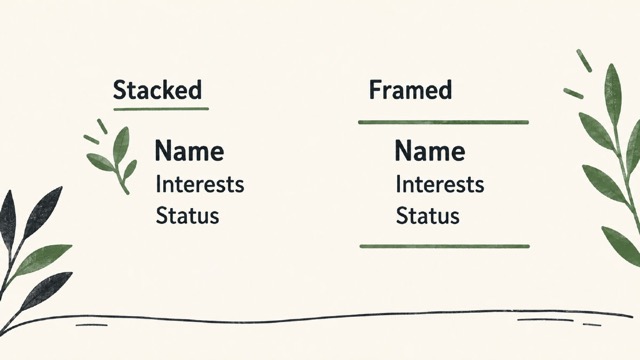
Aesthetic Bio Layouts to Copy and Customize
Copy complete aesthetic bio layouts with editable name, interest, and status placeholders, then check line breaks and symbols in your social profile.
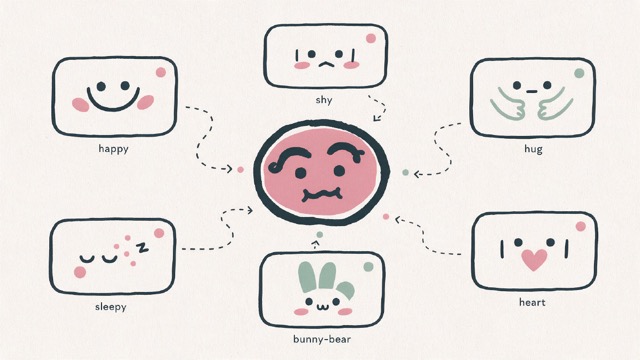
Cute Kaomoji to Copy and Paste for Bios and Messages
Browse mood-grouped cute kaomoji to copy and paste into bios, captions, usernames, and messages, with simple Unicode compatibility checks.
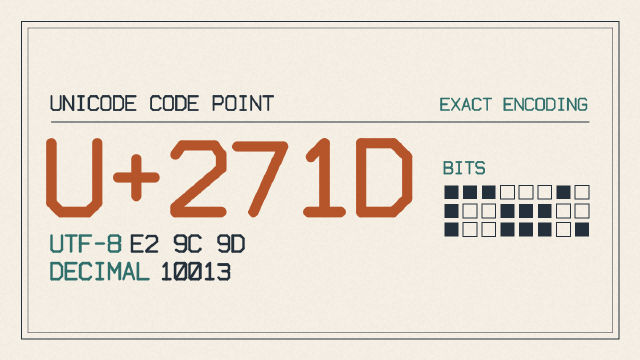
Copy Paste Cross Symbols: Text Crosses and Combos
Copy paste cross symbols, text crosses, emoji-style crosses, and ready-made aesthetic combinations for bios, usernames, captions, and messages.
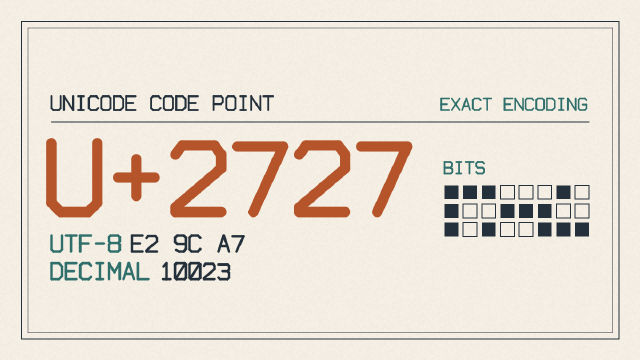
Cool Symbols for Text: Copy and Paste Stylish Unicode
Browse cool symbols for text, compare stylish Unicode accents and ready-made combos, then copy and paste them into bios, captions, names, and messages.
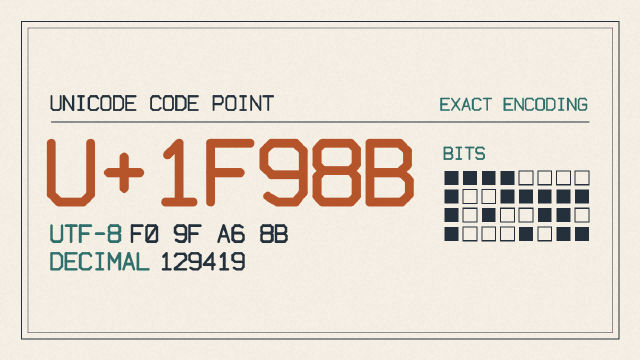
Butterfly Symbol Copy and Paste: Emoji and Aesthetic Combos
Copy and paste butterfly symbols, the 🦋 emoji, and aesthetic butterfly text-art combos for bios, usernames, captions, and messages.
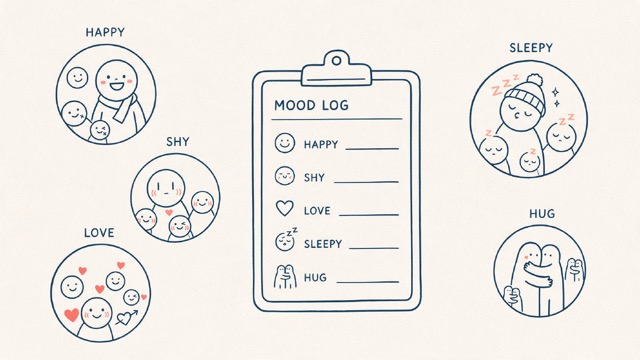
Cute Face Symbols to Copy and Paste for Bios and Messages
Copy cute face symbols and kaomoji by mood for bios, captions, usernames, and messages—plus simple Unicode display caveats.
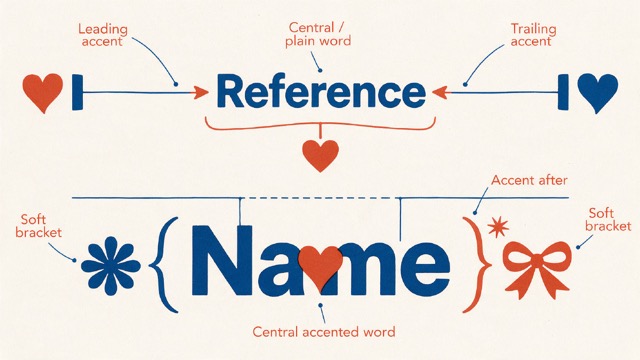
Cute Name Symbols: Copy-Paste Combos for Nicknames
Copy cute name symbols for nicknames and display names: hearts, flowers, stars, bows, frames, and paste-ready name combinations to try.
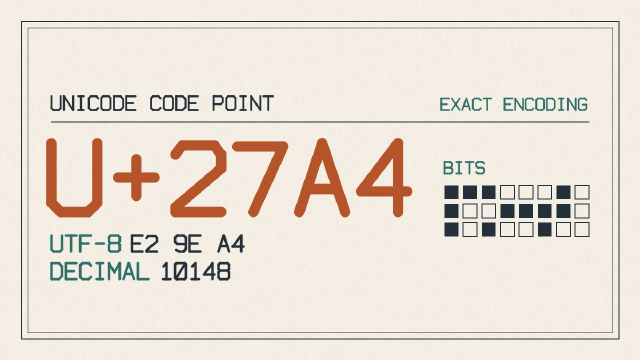
Arrow Copy and Paste Symbols and Aesthetic Combos
Copy and paste plain, heavy, curved, circular, and decorative Unicode arrows plus ready-made aesthetic arrow combos for bios and captions.
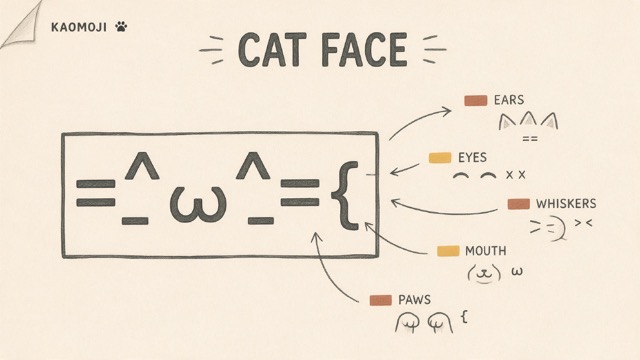
Cat Kaomoji to Copy and Paste for Bios and Messages
Find curated cat kaomoji to copy and paste into bios, captions, usernames, Discord chats, and messages, with mood groups and display caveats.