If you are looking for cool symbols for text, Unicode characters offer an amazing amount of symbols that can add a bit of style to your writing. And since you can copy them directly from a source like this one, they are perfect for quick-and-easy styling.
Some characters will render properly on all systems, but others depend on the platform you're using or how it's rendered by the destination app or operating system. But for now, let’s look at some options you can use to spruce up your messages, captions, usernames, or other pieces of text in an easy way.
Complete combinations
One of the benefits of working with Unicode is that you can create complete sequences that render as a group instead of individual characters. I’ve grouped them by where they tend to work best.
Bios
Usernames
Captions
Messages
Display names
Whole-sequence copy
Intentional spaces
Compact symbols
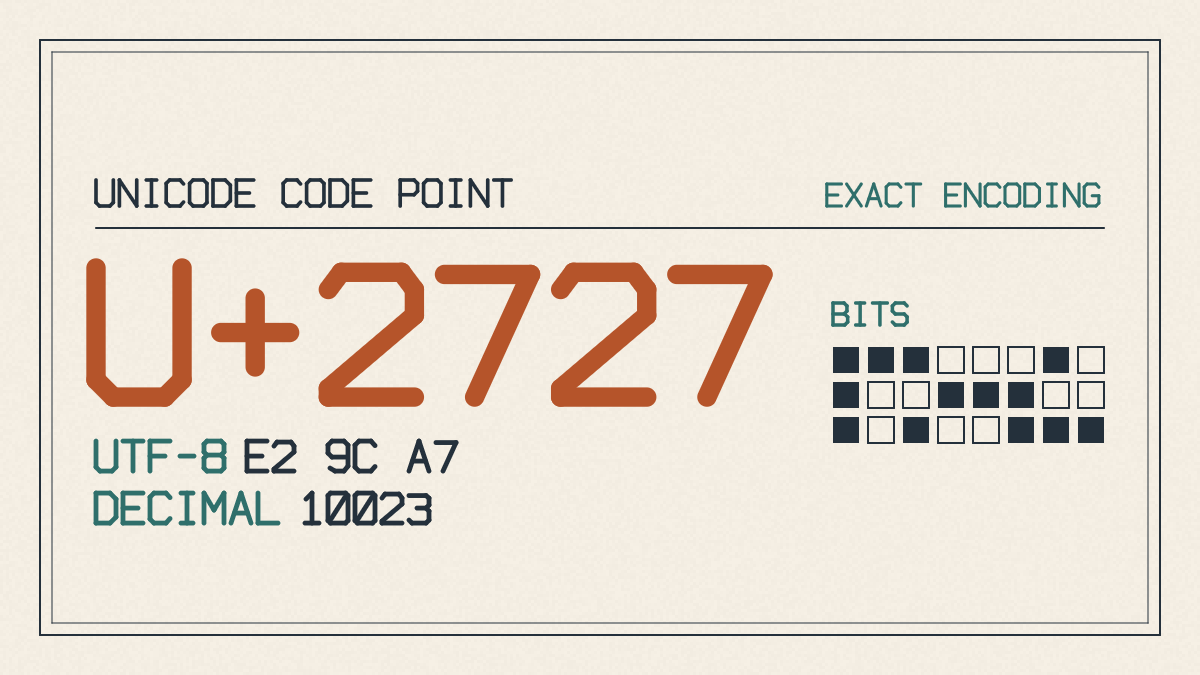
The following list includes compact versions of each symbol across many families of Unicode symbols, including stars, hearts, brackets, arrows, punctuation, math symbols, shapes, and music notes:
Stars and sparkles
★
☆
✦
✧
✩
✪
✫
✬
✭
✮
✯
Hearts and hearts
♥
♡
❥
❣
❦
❧
Brackets and brackets
〈 〉
《 》
「 」
『 』
【 】
〔 〕
Arrows
←
→
↑
↓
Punctuation and punctuation
!
;
:
?
Math and math
–
÷
Infinity
∞
Lines and lines
———
Lines and corners
————
Lines and circles
·
Circle
Circles
O
0
Triangle
△
Square
□
Music notes
♭
♯
♮
♪
Decorative combos
These decorative combinations are ready-made and should render in most environments, especially those that support emojis. If they don’t, consider what simpler fallback you might try.
̗̀➛
˚₊· ͟͟͞͞➳❥
╰┈➤
ˏˋ°•*⁀➷
︶꒦꒷♡꒷꒦︶
Style choices
You’ll want to pick out symbols based on mood, which might be different than just what you think looks cool. Some styles are inherently “soft,” while others may seem cuter or more stylized. Others may take on darker, retro, celestial, sparkly, gamer, or divider-oriented designs. What I recommend is choosing balanced combinations where possible over dumping an unsorted set of symbols on someone else.
Soft/cute
Coquette/kawaii/soft/miminal
Gothic/y2k/celestial/sparkly
Edgy/gamer/dividers
Placement rules
How do we choose which symbols go where? There are several placement rules to follow.
Names
For the most part, names (or usernames) need to remain readable, so avoid too many accents and special symbols. Use one or two compact accents around a readable letter to make the name pop, if needed.
Permanent handles/display names
Avoid using dividers, borders, frames, or any sort of multi-line arrangement to describe permanent handles or display names. That’s something reserved for bios, captions, sections, and messages.
Use the same logic for any long-term identity.
Own-line dividers
If you’re using a single line of text to separate things — say, separating a message from a username, then it’s safe to use sentence-start sparkles, flowers, hearts, etc., or even borders and frames.
Multi-line arrangements
However, you can still use longer decorations in your bio or in a message, provided they’re not too lengthy. The idea is to keep the identity understandable, with the ordinary letters remaining dominant.
Styling tips
You have a couple of styling tips to help keep your text readable.
Keep your own identity recognizable. If there’s anything too obscure, people won’t know who you are. A simple symbol like a heart or sparkle works fine.
Try to use one or two accents within the rest of the text. This makes your name stand out without being overwhelming. Try pasting it before saving it anywhere else, just to ensure the character is copied correctly. Otherwise, you may end up adding something you didn’t mean to.
Rendering caveats
Unicode characters aren’t always rendered the same way on every device, browser, or operating system. In some cases, they simply don’t render properly at all. Sometimes the problem lies with the font you choose, or the shaping rules that dictate how it appears. Line height, spacing, stroke weight, and even combining marks (like accent diacritics) can affect how a given character renders.
In short, you may need to adjust some of your Unicode characters to accommodate whatever combination of apps, devices, or fonts you choose. In other cases, you might simply need to fall back on a simpler option.
On Windows, Linux, macOS, and other operating systems, the rendering engine may change how your characters appear. Even the application itself may decide that a particular Unicode sequence doesn’t work as well as another.
Testing
The key takeaway is that you need to test what you’re trying to paste before you actually save it elsewhere. It’s also worth considering exactly where you plan to use the characters. For example, you might prefer to stick to a complete combination, or use compact accents only within a name.
Otherwise, feel free to test out the exact field.