The symbols below may work in your display name, bio, channel names or server nicknames. (Separators: separators; stars: accent; brackets: frame; arrows: lead into them.) These are just a small selection of Discord aesthetic symbols you can try.
┃ ・ │ ✦ 「」 ╰┈➤
Unicode Characters in Discord Names
Discord’s rules on Unicode characters are quite flexible: they should appear in display names or server nicknames, not in the restricted unique username. The exact character restrictions are attributed to the community-maintained Discord Userdoccers (Display names and server nicknames: most valid Unicode; some zero-width and non-rendering characters restricted; Migrated unique usernames: lowercase alphanumeric characters, underscores (_), periods (.) only; Migrated unique usernames: uppercase characters, spaces, dashes (-) and other special characters disallowed). But you can also use emoji! However, the user is likely limited to 32 characters (including spaces) for the display name, with more flexibility in the bio field. You’ll have to test this yourself. The following design was created as an original and editable profile-and-channel design that keeps ordinary words readable while carrying a coordinated decorative style across the display name, bio and channel names.
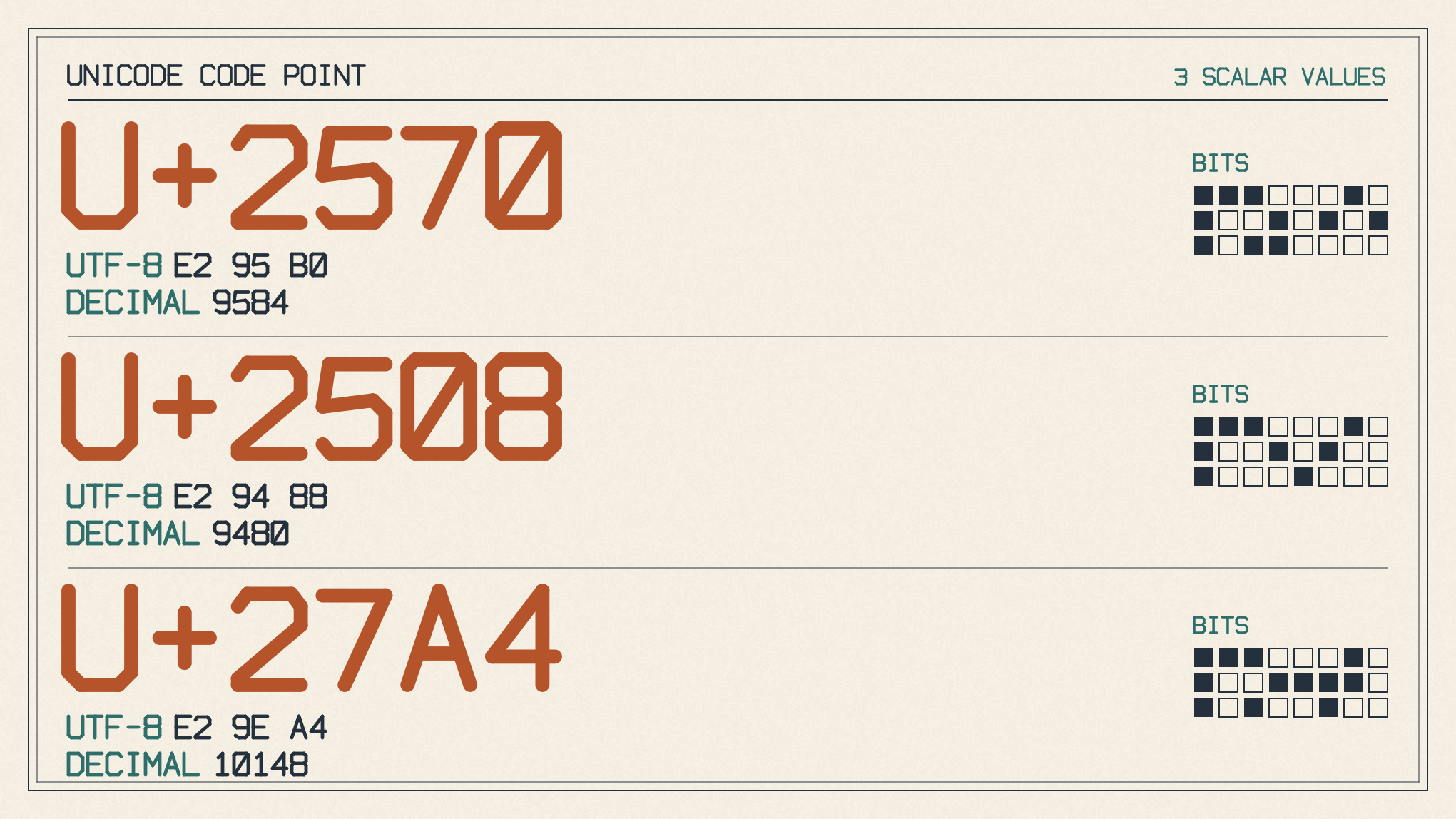
Suggested combinations
Display name: 「✦ Luna ✦」
Bio: music ・ games ・ late nights
Channel-name candidates:
rules┃info
chat┃general
voice┃lounge
Character Limits and Spacing
Display names and server nicknames: 1–32 characters. Bios: maximum 190 characters.
There is a lot of room for short decorative names and bios. The limits are attributed to the same source as before, but I’ve used it to create some examples here. The room is also there for readable words. Just paste what you’re happy with into the destination-field box. If something looks complicated, Discord might validate it automatically when pasting in complex Unicode, or else reject your changes. (Destination: unique username, display name, server nickname, bio or channel name; Display names and nicknames: 1–32 characters.)
If you want to add more characters, just be aware of Discord’s restrictions on some zero-width and non-rendering name characters, per the Discord Userdoccers. Some characters may render as invisible padding. (Discord Userdoccers: restrictions on some zero-width and non-rendering name characters.) Also, any leading, trailing and excessive internal name whitespace will be sanitized and trimmed by Discord. (Discord Userdoccers: leading, trailing and excessive internal name whitespace sanitized and trimmed.) If you need to troubleshoot rejected designs, or if the spacing has changed unexpectedly, then adjust accordingly: shorter names, removal of invisible padding, and so on. Check Discord’s error message, too. Once satisfied, save the new design on the devices you use. If it’s disappointing, simplify.
Editing Channels and Server Nicknames
Discord’s documentation shows the steps to edit channels on both desktop and mobile versions of the app, and links to its required permissions. (Manage Channels: permission to edit channel names; Desktop: hover over channel name → gear; Mobile: tap channel name at top → settings; Change Nickname: permission to set one’s own server nickname, different from username)
Discord Aesthetic Symbols to Copy for Profiles and Channels