Two compact, editable animal drawings in kawaii ASCII art are presented below as original editorial compositions. They are copyable as multiline blocks. In both examples, preserve the shape of the drawing by not editing it. Both are written using only ASCII characters.
ASCII-only cat
/_/\ (o.o) > ^ <
/\_/\
(o.o)
> ^ <
ASCII-only bunny
(_/) (o.o) (")(")
(\_/)
(o.o)
(")(")
Original spaces and line breaks appear here, too. These drawings use the following documented ASCII characters: spaces, quotation marks, parentheses, periods, slashes, backslash, caret, and underscore.
ASCII and Unicode drawings
These two are ASCII-only because I chose not to use any characters outside ASCII. There’s also Unicode alternatives; however, the difference is subtle. A single-line version of the cat:
≽^•⩊•^≼
is similar to the above example but different. You’ll notice that the ASCII character repertoire is within Unicode — for instance, the ASCII-only visible characters range from U+0020 through U+007E, inclusive. Line breaks separate the rows of the drawing.
Unicode Basic Latin includes the ASCII repertoire, which means your Unicode text can contain ASCII characters as well. The above cat uses a Unicode expression that resembles kaomoji or “text art” — but the entire drawing appears on a single line. That’s why I refer to it as a Unicode drawing, as opposed to an ASCII-only one.
In addition to Unicode drawings, there are also other Unicode symbols available, too. For example, this Unicode drawing:
≽^•⩊•^≼
This particular drawing is a bit larger and more complicated than either of the previous two.
Paste ASCII drawings into Discord
If you want to paste the ASCII drawings into a message in Discord, you need to enclose them in a code block with three backticks at the beginning and end of the block.
Discord’s community has documented the procedure for creating text chat messages that include drawings, and this article describes that procedure.
Opening fence
The first step is to open a code block by placing three backticks on their own line.
Complete drawing
Next, place the complete drawing beneath the opening fence.
Closing fence
Finally, close the code block by placing three backticks on its own line.
This technique escapes Markdown formatting, which otherwise might distort the drawing when pasted. This community guide explains how to do it. However, this article hasn’t been tested specifically, and instructions apply to all platforms.
Troubleshooting the drawing
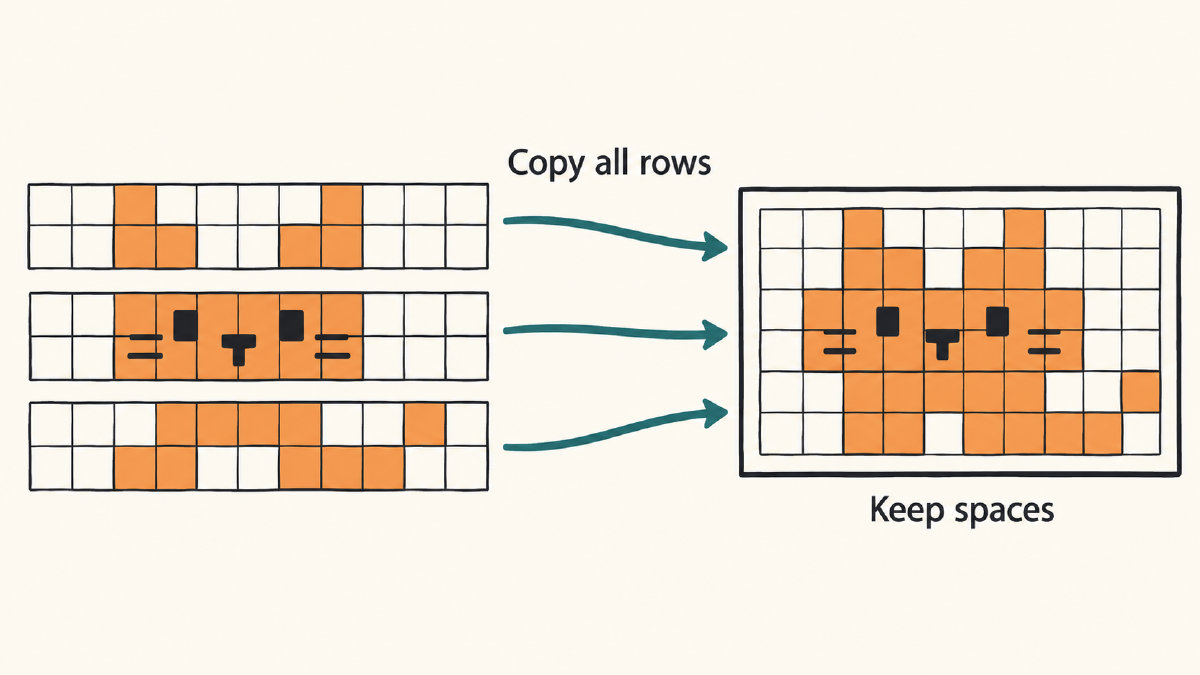
A drawing like this may not look great if you simply copy and paste the drawing without using a code block. If so, then you can try troubleshooting it. First, compare the result to the original drawing. Ensure that every row was included as well as the original spaces. If not, try to use a documented multiline code block. Otherwise, perhaps a smaller drawing, like this one, would work better instead. If you’re unsure what will look good, then try using a single-line Unicode alternative such as ≽^•⩊•^≼. Some clients may interpret certain punctuation as Markdown and thus alter the appearance slightly, although the fallback results aren’t guaranteed.